
Home > Products > Large Model Interactive Robot > Cruzr Robot
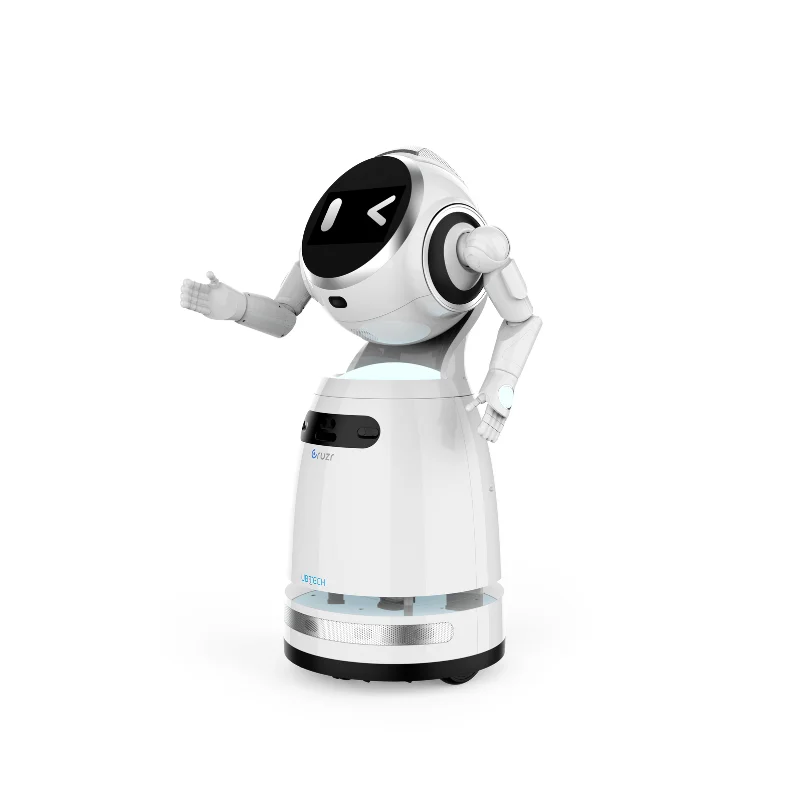
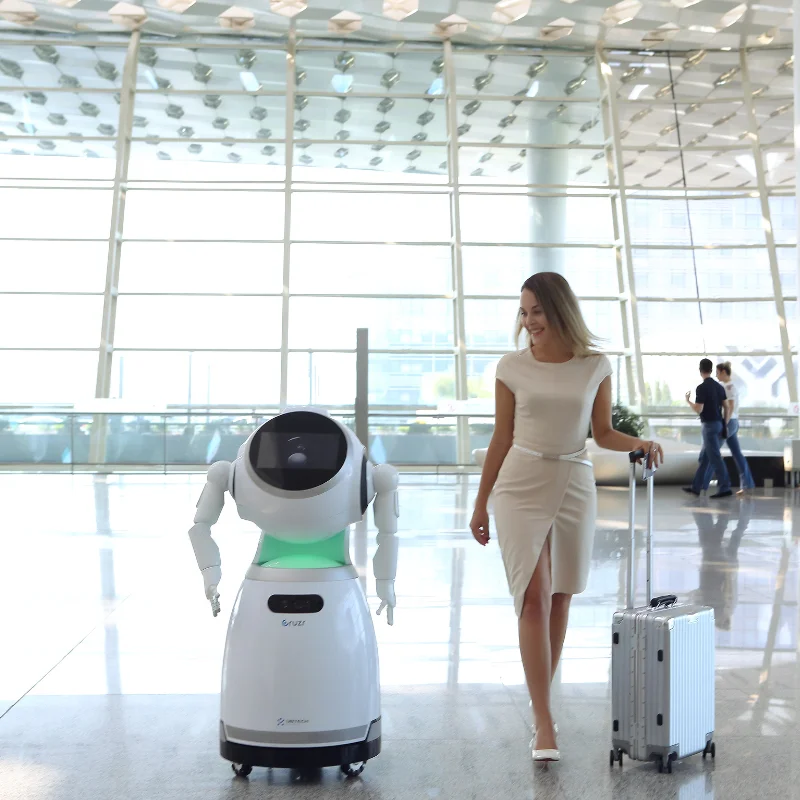
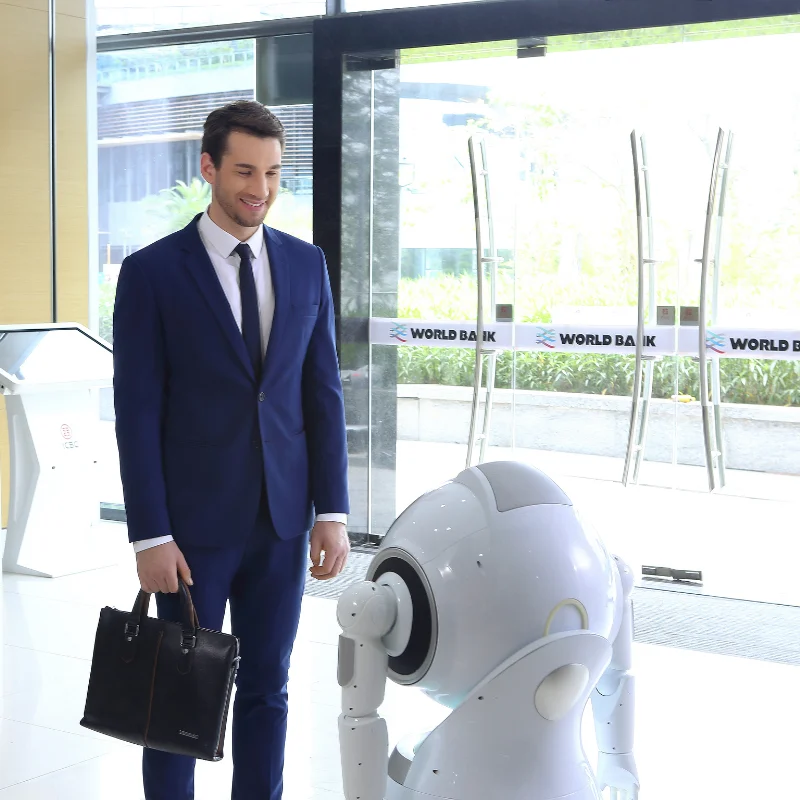
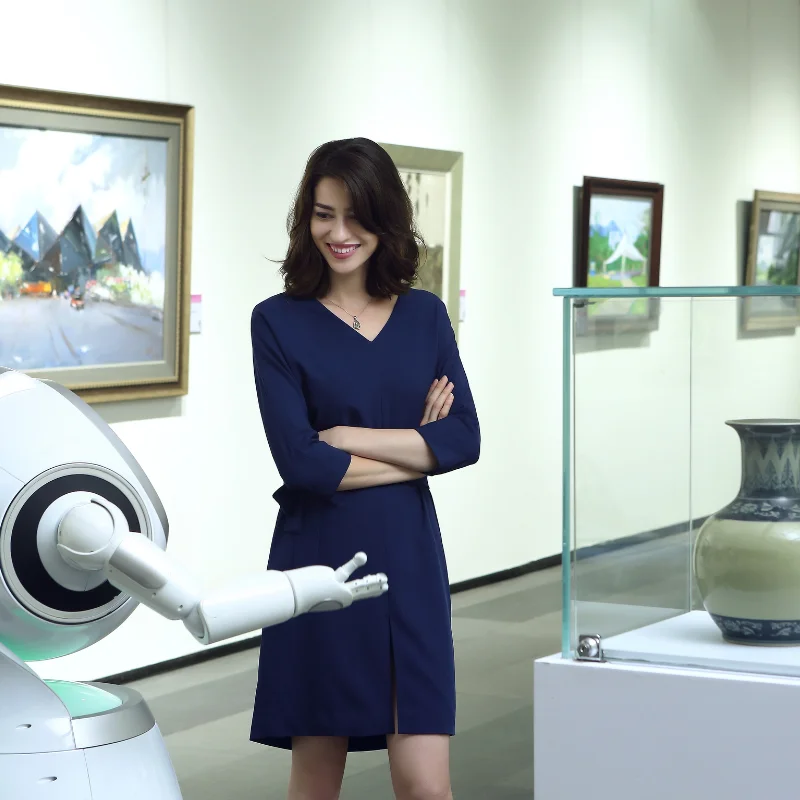
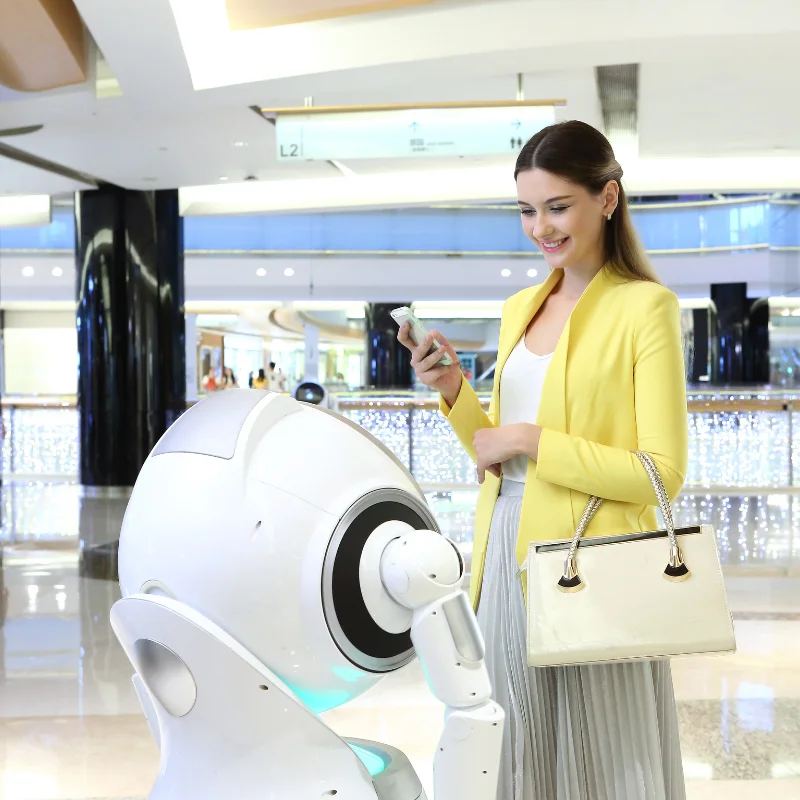
With a sleek, professional appearance and quiet operation, it enhances the dining experience while reducing staff workload. Perfect for modern restaurants, hotels, and cafeterias looking to optimize service efficiency and minimize labor costs. The robot's long-lasting battery and easy maintenance make it a practical investment for any food service establishment seeking to embrace automation.



|
serial number |
Technical parameters |
Metrics and performance |
|
1 |
Product size |
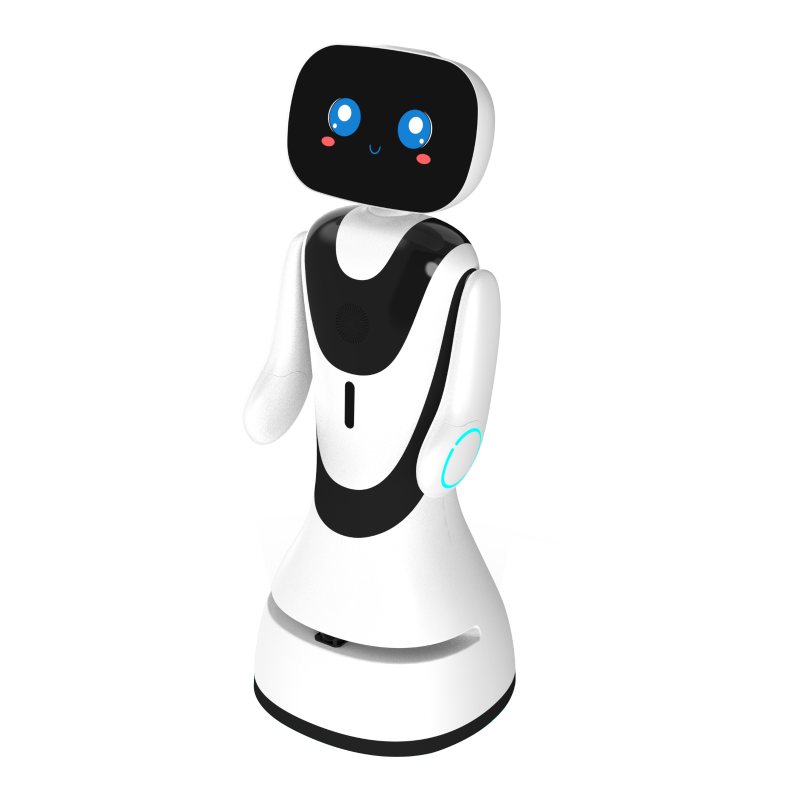
1214mm(H)*630mm(W)*537mm(D) (the height will change with the attitude of the machine). |
|
2 |
Product net weight |
Approximately 45kg |
|
3 |
Product color |
Pearl white |
|
4 |
Environmental requirements |
Storage temperature: -20°C~50°C; Operating temperature: 0°C ~ +40°C |
|
5 |
Screen size |
11.6 HD touch screen |
|
6 |
Screen resolution |
1920*1080px |
|
7 |
LiDAR |
360 degree opening |
|
8 |
The head can be rotated at an angle |
Pitch direction: -5°~+40° |
|
9 |
13 million cameras |
1, mainly used for taking photos and videos in front of the head |
|
10 |
Obstacle avoidance sensor |
RGBD depth camera*1. TOF infrared cliff detection1 Waist closed ultrasound sensing ~3 Chassis open ultrasound sensing *5 Bottom geomagnetic induction*1 Chassis infrared sensor*6 |
|
11 |
Networking configuration |
TD-SCDMA:1880-1920MHz 2010-2025MHzWCDMA:1940-1965MHz CDMA2000:825-835MHz TD-LTE:1880-1920MHz 2300-2370MHz 2555-2655MHz LTE FDD:1735-1765MHz 1765-1780MHz WIFI:5725-5850MHz 2400-2483.5MHzBT: 2400-2483.5MHz |
|
12 |
Movement speed |
Maximum speed 1.2m/s |
|
13 |
Processor frequency |
The maximum frequency is 2.4GHz |
|
14 |
operating system |
Based on Androld5 |
|
15 |
ROM (Capacity) |
12G |
|
16 |
Input power |
29.4V 7.8A |
|
17 |
battery |
16 hours of battery life |
|
18 |
Charging piles |
Input 100~240V 50/60 Hz, 3.3A; Output 29.4V 7.8A, full charge in 6 hours Solid green: standby; Flashing green: Charging; Red flash: A malfunction occurred |
|
19 |
horn |
85db (60cm in front). |
|
Functional modules |
Feature items |
Function description |
|
|
Home |
It supports custom configuration of the robot's homepage to quickly meet lightweight customization; Select the homepage layout (card and poster), change the background image and logo, and add and delete cards to jump to custom H5 links. |
|
multimedia |
Picture, audio, and video media file list display, and picture, audio and video playback functions; File deletion is supported. |
|
|
Automatic return to work |
Select the location of the post, and automatically navigate to the post if it exceeds xx time (configurable) in the idle state; The switch needs to be turned on. |
|
|
Hand push mode |
Turn on the push mode to push the robot freely. |
|
|
AI |
Recommended question display |
The background synchronizes the recommended questions, and prompts functions and skill-related methods in the permanent area at the bottom of the screen, allowing different recommended questions to be set for different applications. |
|
Chat settings |
According to different scenarios, you can choose to turn on/off small talk, reply silently, and customize the bottom reply. |
|
|
Online/offline selection |
According to the needs of the enterprise, you can choose online or offline face recognition when creating an enterprise account, which is online by default. |
|
|
Face library management |
Online face recognition and local face recognition can be selected; If you choose local vision capability, you can manage user information locally in the robot. If you choose online vision capabilities, you can manage user interest through the cloud; |
|
|
|
When someone approaches head-on, take the initiative to perform face recognition, broadcast the corresponding welcome message and action and enter the homepage; Different welcome plans can be set for different user groups (custom), and the welcome plan can be edited from the background and remotely synchronized with single or multiple robots. Compare to improve the face recognition rate and improve the welcome experience. |
|
|
|
Map management |
After completing the scanning of the map, obtain the map through the PC and edit it, and upload it to the cloud. It processes map files in the cloud, sets locations, and supports one-click synchronization to multiple robots. Map navigation |
|
navigation |
The route from the robot's current position to the target point can be planned and displayed, and it can be guided to the destination through navigation; The navigation behavior can be selected in smooth mode OR normal mode, which means that the robot moves more smoothly and improves the experience, but it will sacrifice safety issues. |
|
|
|
Map editing |
Connect to the head Android through the LAN, directly grab the scanned map at the bottom of the ROS, edit the map, virtual wall and other settings. |
|
Action editing |
Customize and edit dances and moves and sync them to the bot. |
Copyright © 2026 China Guangdong Exhibition Hall Intelligent Equipment Co., Ltd. All rights reserved. - Privacy policy