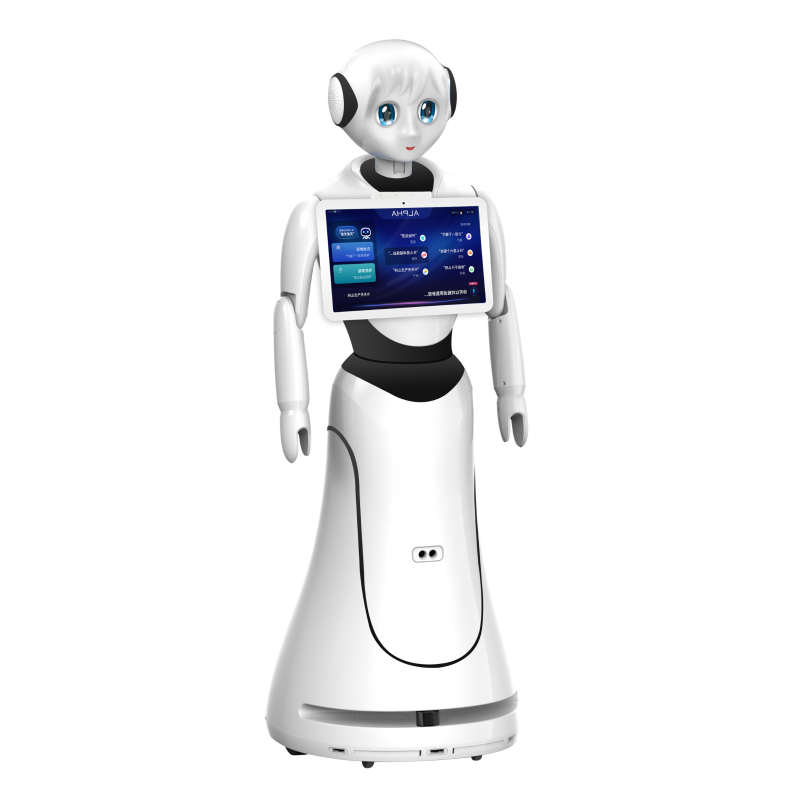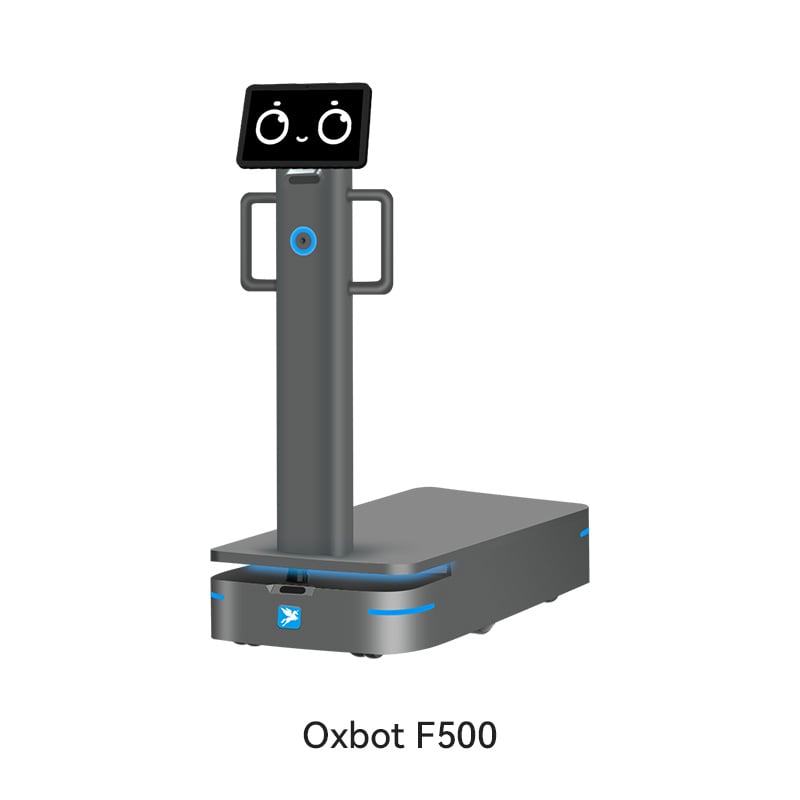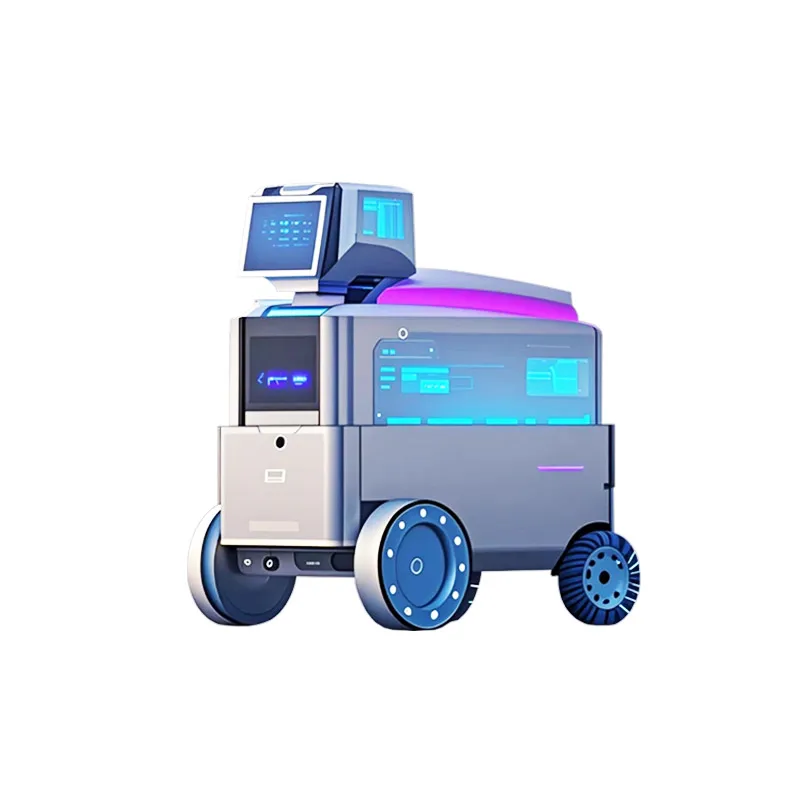

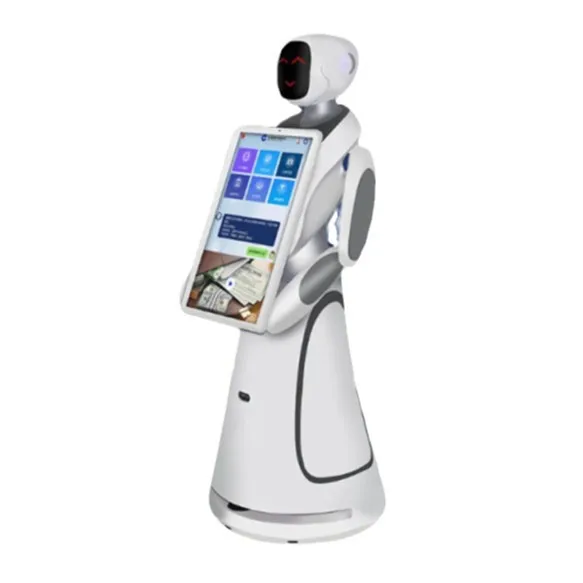
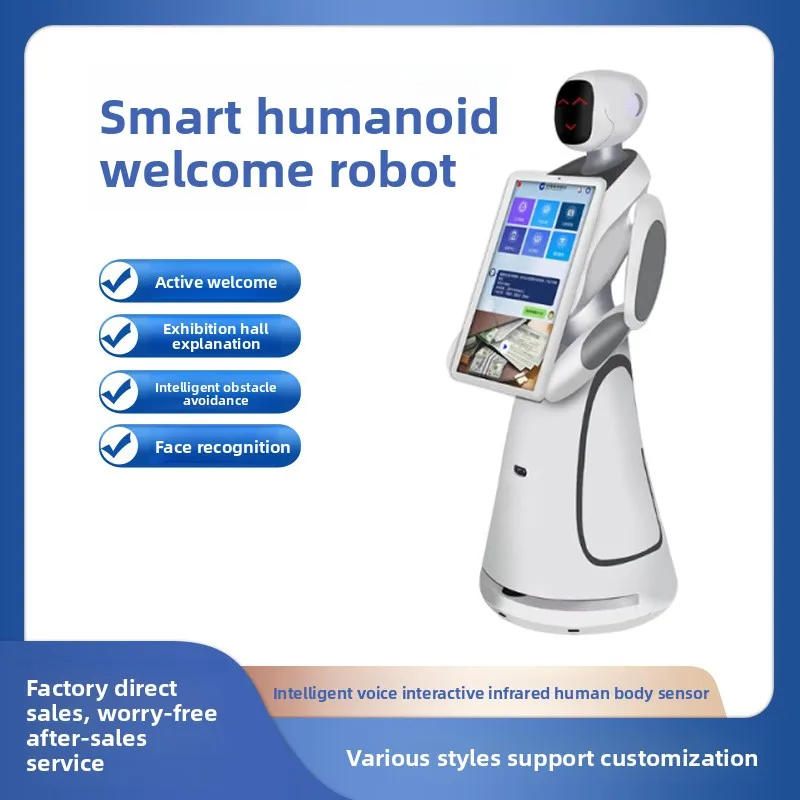
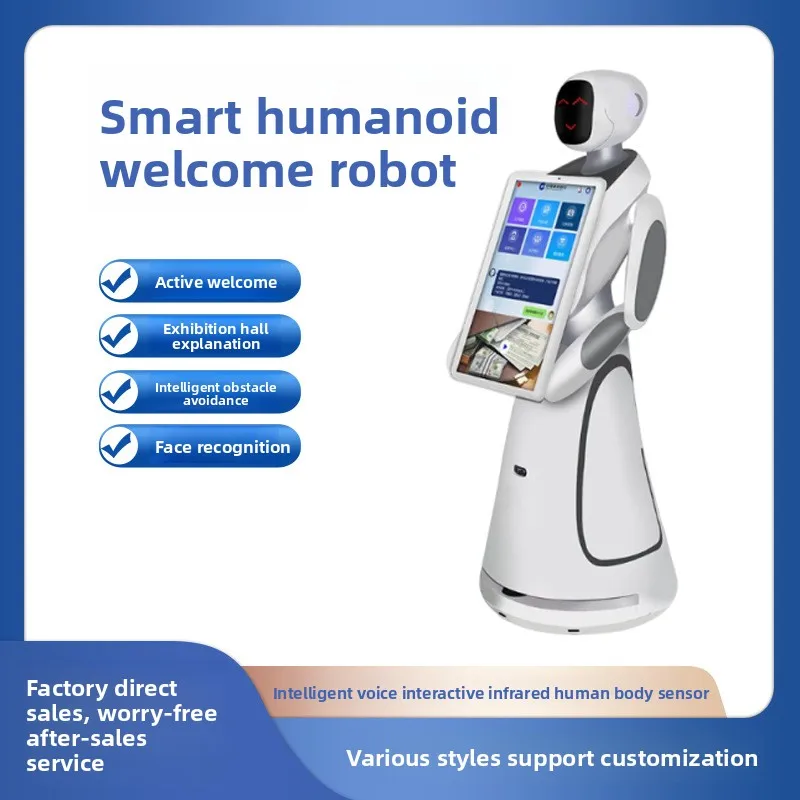
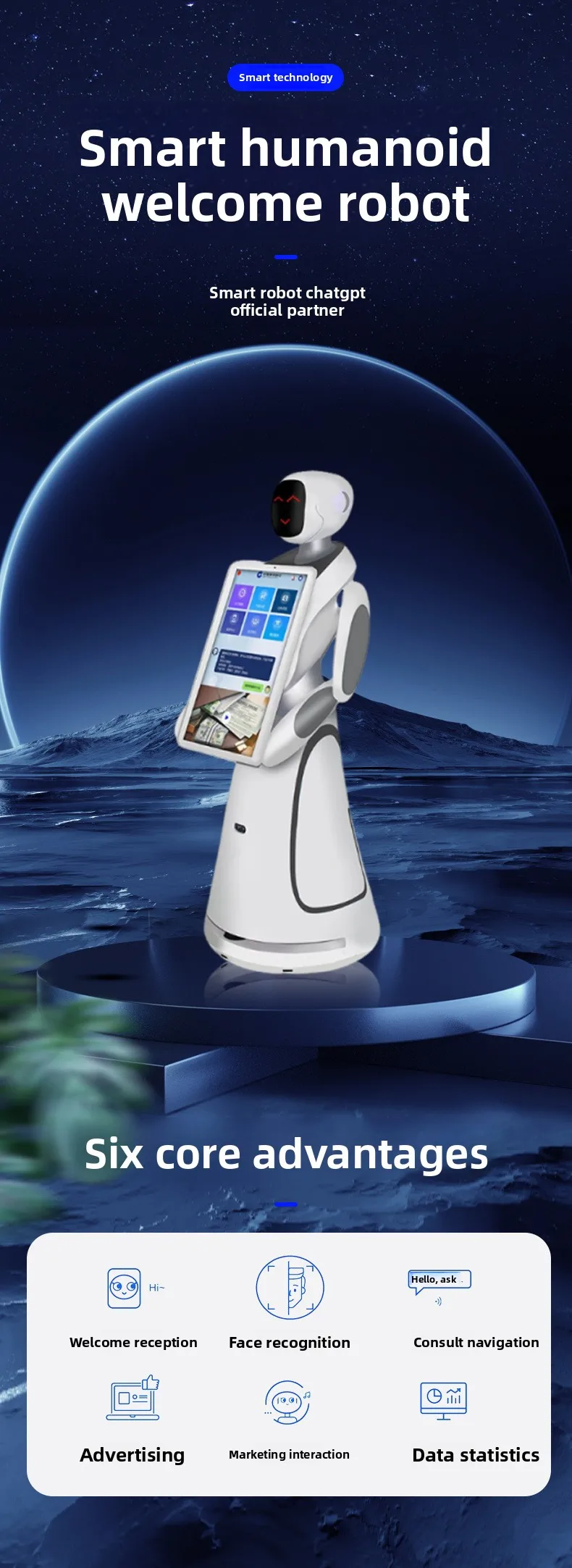
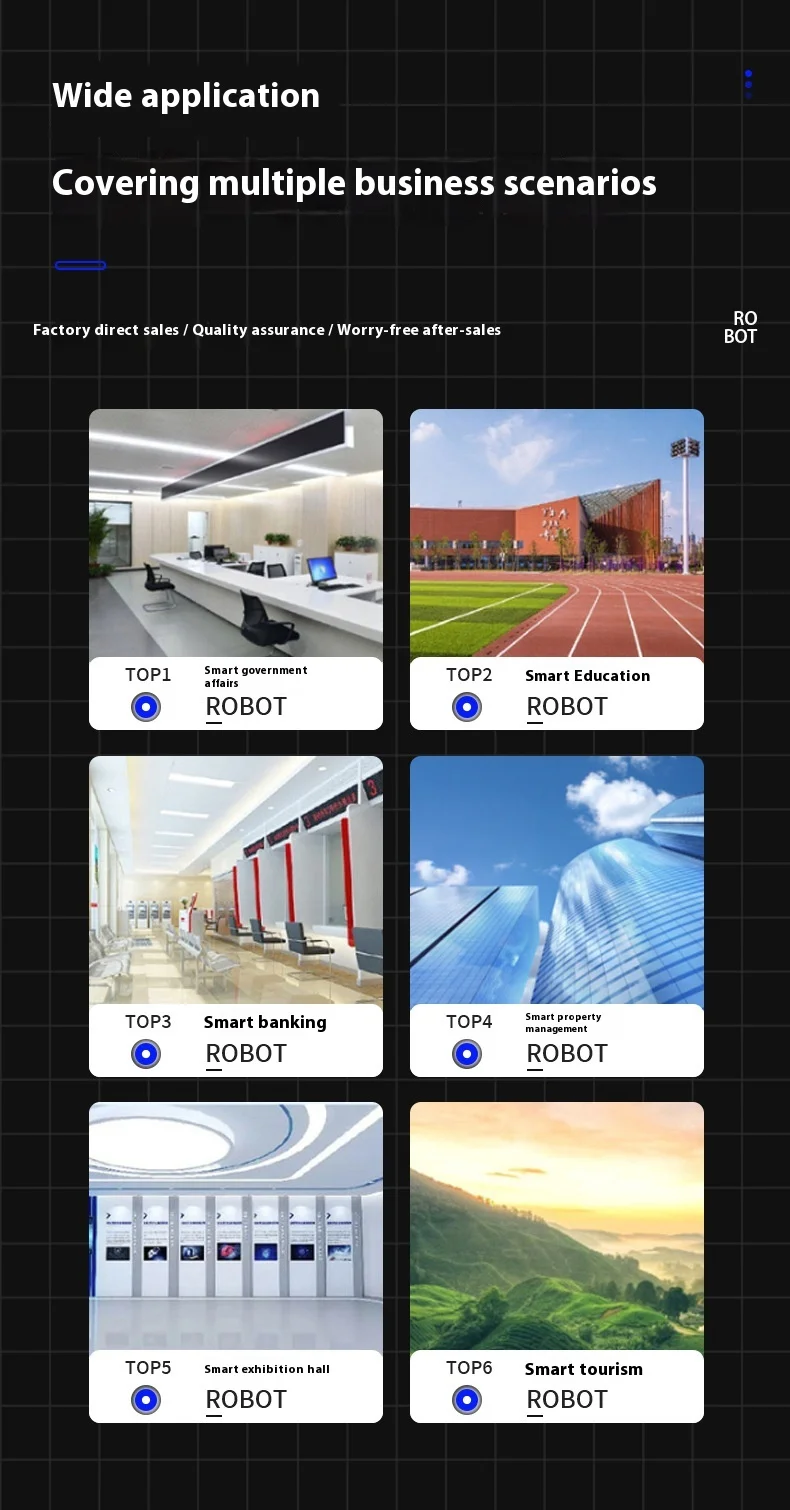
The robot excels at providing clear explanations and information, making it ideal for lobbies, exhibitions, retail spaces, and corporate environments. Its sophisticated AI enables natural conversations while accurately recognizing returning guests for personalized interactions. With multi-language support and 24/7 operational capability, this service robot reduces staff workload while maintaining consistent, high-quality customer service.


| item | value |
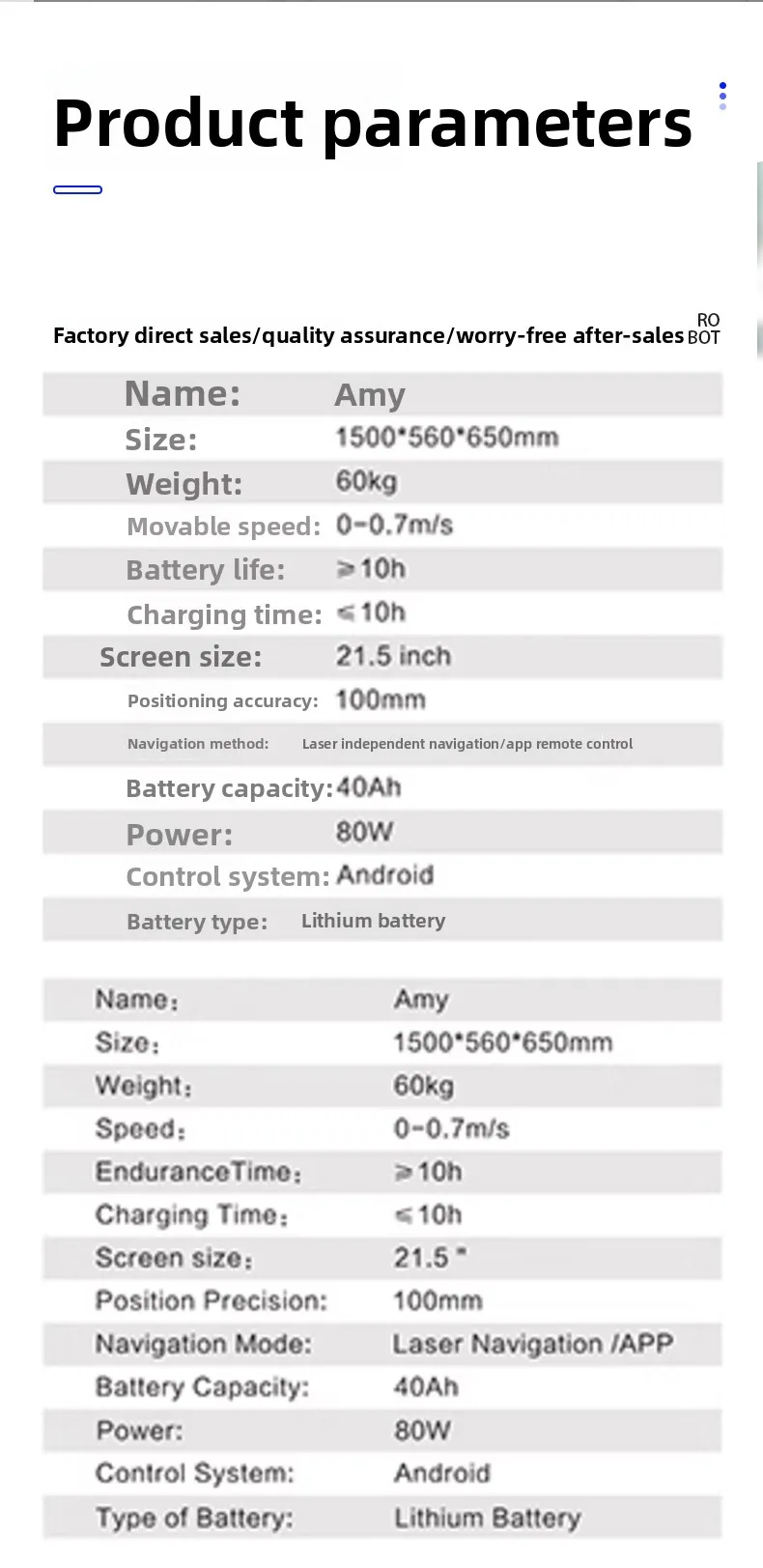
| place of origin | China |
| use | Restaurant & Hotel Supplies |
| brand name | Miou |
| model number | Amy |
| Mounting | Wall mounted |
| Material | Plastic |
| Type | Commercial robot |
| Voltage | 110-240v |
| Number of Axes | 6 |
| IP level | Ip65 |
| Payload | 50kg |
| Function | Voice control |
| Application Domain | Indoor |
1. who are we?
We are based in Guangdong, China, start from 2023,sell to -. There are total about - people in our office.
2. how can we guarantee quality?
Always a pre-production sample before mass production;
Always final Inspection before shipment;
3.what can you buy from us?
-
4. why should you buy from us not from other suppliers?
-
5. what services can we provide?
Accepted Delivery Terms: -;
Accepted Payment Currency: -;
Accepted Payment Type: -;
Language Spoken: -
Screen interface HDMI
GPU/NPU:ARM Mali-G610 MC4,6TOP RAM 8G,ROM 64G; OS Android 14;
CPU: RK3576, quad-core Cortex-A72 + quad-core Cortex-A53, clocked at 2.2GHz; GPU: Mali-T864; GPU: ARM Mali G52 MC3; NPU: 6TOPS INT8, support INT4/INT8/INT16/FP16/TF32 mixed operation; RAM 8G,ROM 64G; OS:Ubuntu 22.04
WIFI(2.4GHz) / WIFI(5GHz)
|
Serial number |
Feature name |
Function introduction |
|
1 |
Smart image |
AI service robots have an intelligent welcome image, which can not only assist customers in completing welcome tasks and alleviate human resource pressure, but also enhance corporate image and service quality |
|
2 |
Interface layout |
1. Logo display area: Users can configure their own logo in the background, and after the configuration is completed, the robot page will display the configured logo |
|
2. Prompt speech display area: The middle of the screen is the display area of the prompt speech, which can guide the user to interact with the robot by voice, and prompt the user to say something to the robot |
||
|
3. Main function display area: Modularize the main functions to highlight the importance of functions, and display prompts under the main modules to improve the user's sense of experience; |
||
|
4. The main function module adds IP image and displays the robot wake-up word to solve the embarrassing situation that users do not know how to wake up the robot |
||
|
5. The voice interaction box only displays one round of dialogue, the interface will be clearer, and at the same time, it can protect the user's privacy to a certain extent |
||
|
3 |
Multimodal recognition |
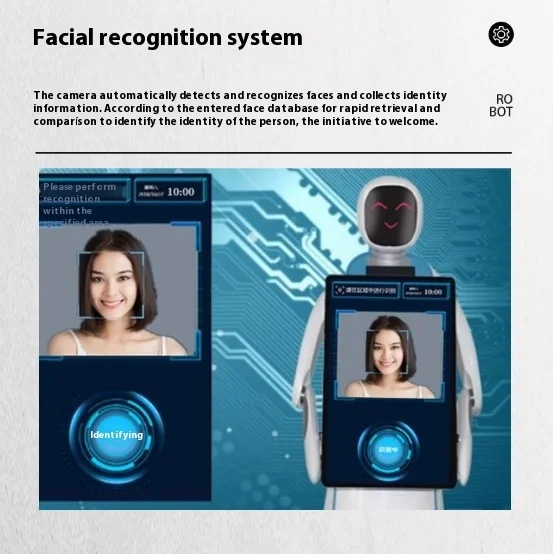
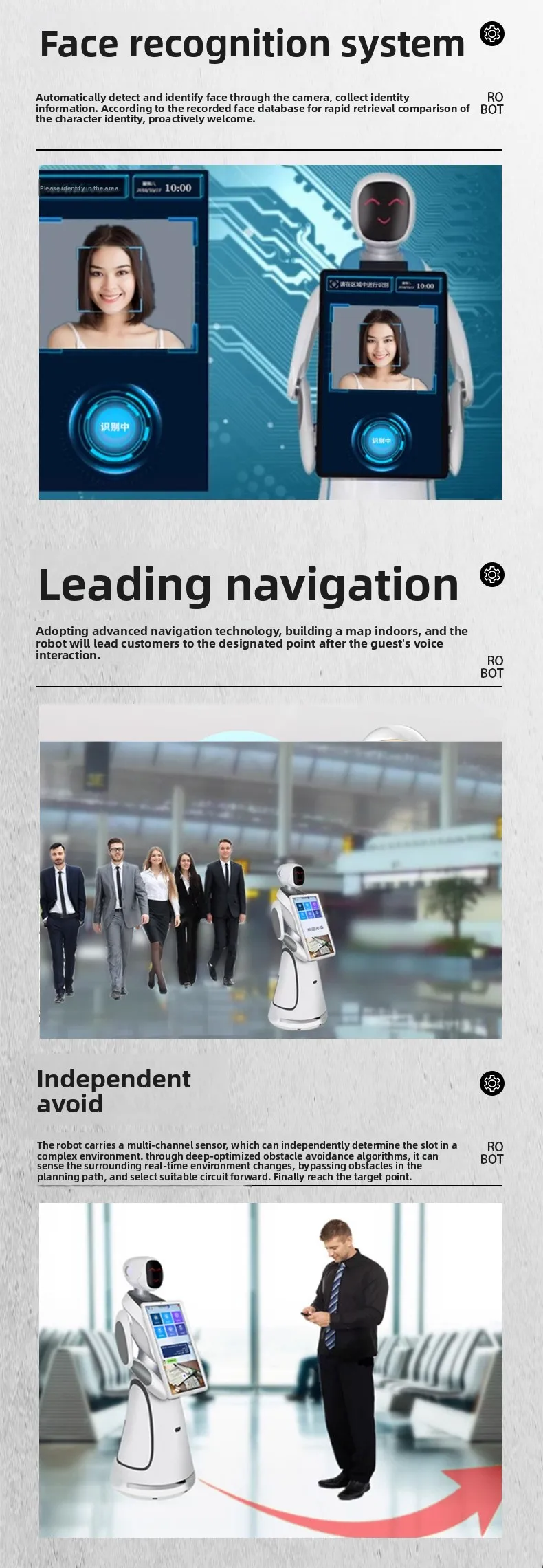
Face wake-up: No one is there, a face is detected, and a welcome message is broadcast to say hello |
|
LiDAR, ultrasound, depth camera wake-up, off by default, if you need to use it in the settings - general settings (multimodal recognition on) |
||
|
Tap Screen to wake up |
||
|
4 |
Welcome reception |
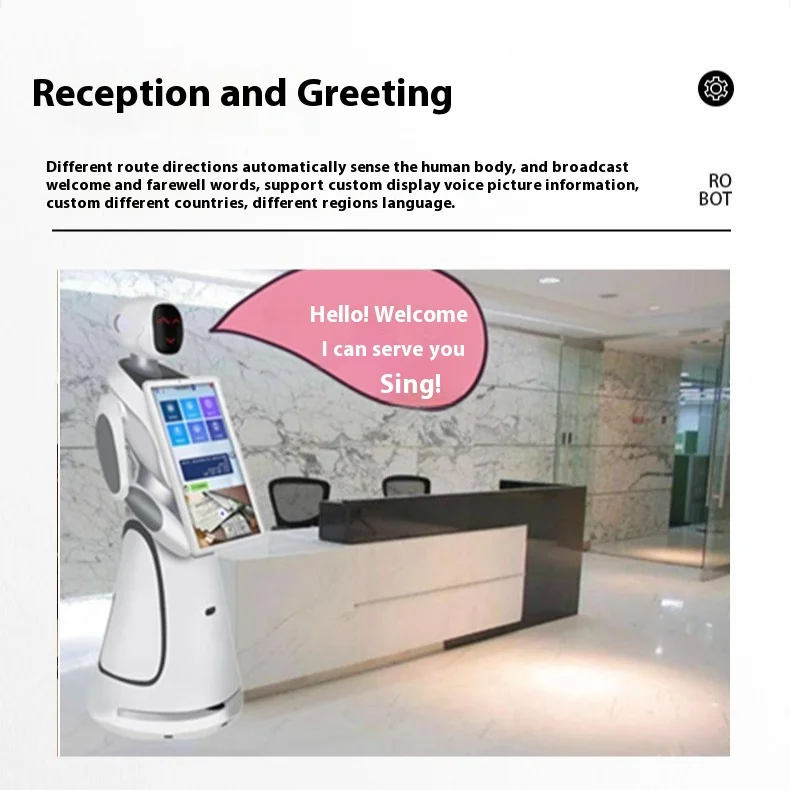
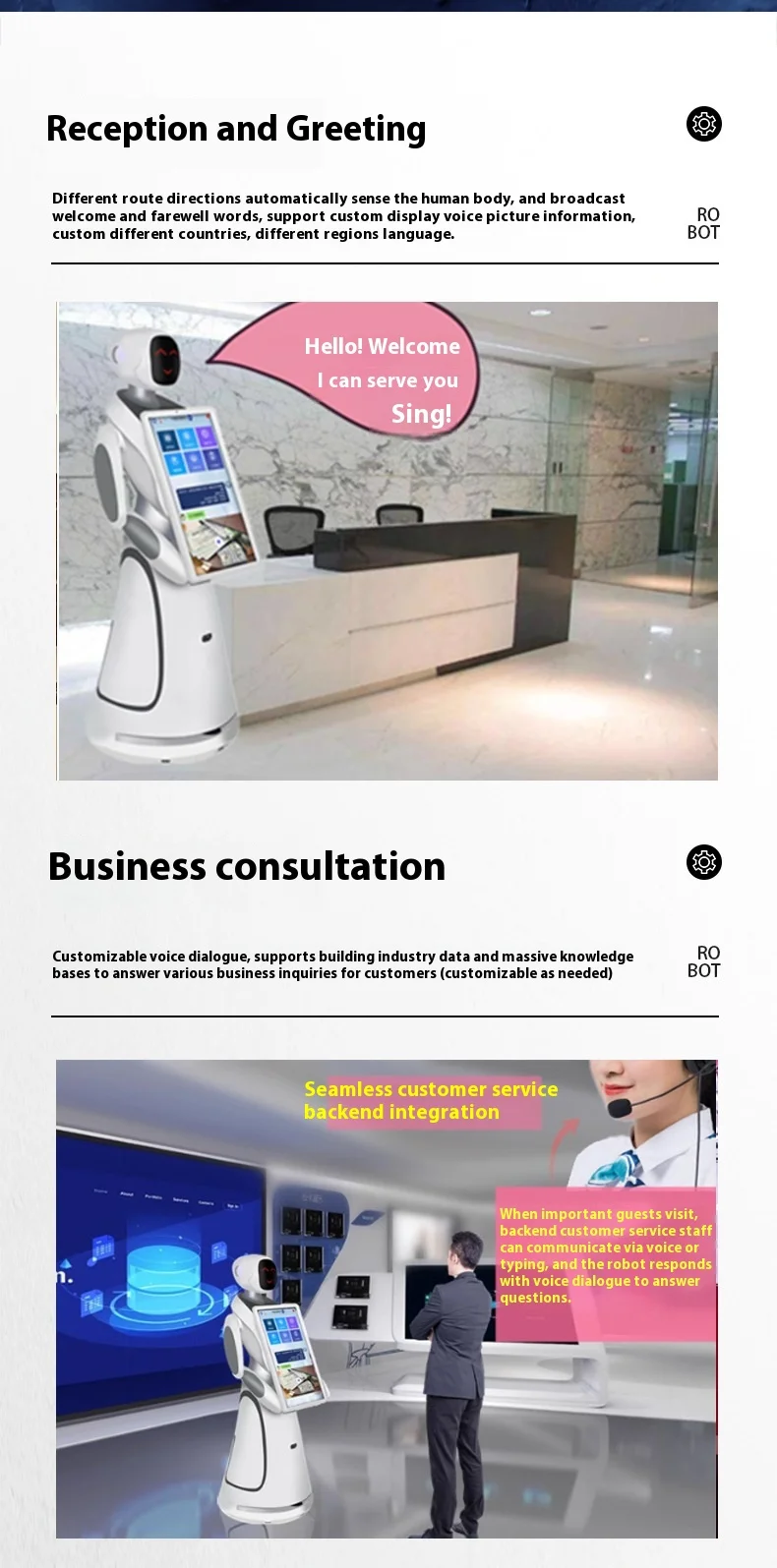
When a face is detected, the robot will take the initiative to welcome the guest |
|
The welcome message can be configured on the Little Bee Management Cloud platform |
||
|
5 |
Intelligent voice interaction |
Four-microphone array, speech recognition, guests interact with the robot through voice, the robot can recognize the guest voice and answer the guest's questions. |
|
Rich knowledge of the chat library, guests can simply chat with the robot, say hello on a daily basis, discuss the weather, etc. Experience a new and natural human-computer interaction. It supports language models such as Wenxin Yiyan and Deepsee, and supports users to train their own language models. |
||
|
6 |
Intelligent professional library Q&A |
Support customers to add professional libraries in the background, and after adding, when guests ask professional questions, the robot will look for answers in the professional library and give corresponding professional answers |
|
Background addition of knowledge base form: single item addition, batch import Question type support: text, picture, audio, video, hyperlink support to add multiple similar questions and keywords to the same question |
||
|
7 |
Intelligent publicity |
Users can add relevant promotional content and related introductions in the background content module, and support introducing, displaying, and promoting to guests in various forms such as pictures, audio, video, text, and voice, and support users to choose the content to be presented independently, and support users to customize the content and methods of introduction. |
|
8 |
Lead the visit |
Users can add the explanation points that need to be visited in the bot/bee management background, and the guest will send the visit task by voice, and the robot will lead the guest to the corresponding explanation point |
|
Explanation point settings: 1. Users need to set the name, coordinates, and explanation words of the explanation point (required) 2. Multiple aliases can be configured for the same explanation point, voice hit aliases, and the robot will also perform the visit task 3. Promotional materials such as audio, video, pictures and other promotional materials can be added to the point settings to meet the needs of users who want to be able to publicize while walking 4. The point can be copied to meet the needs of the same explanation point, and the operation steps of the setup are simplified for different visiting users to broadcast different explanation content |
||
|
Explanation route setting: You can set multiple explanation routes, and you can set multiple explanation routes according to your needs |
||
|
Single-point visit: 1. The robot can perform the task of a single point visit, and the user voice "Take me to visit xx" The robot will perform the single-point visit task 2. During the visit, you can voice: "Lingxi Lingxi", pause the task, and cancel the task and continue the task after pausing Note: Continue refers to continuing the task from the paused node, rather than restarting the task |
||
|
One-click visit (follow the route): 1. The robot can lead the user to visit according to the set route, and the user can choose to let the machine lead the visit to a certain route (only one route can be visited at a time) 2. During the visit, you can voice: "Lingxi Lingxi", pause the task, after pause, you can cancel the task, continue the task, when the route visits, you can support the skipping point operation, the user voice/click "next point", the robot will go to the next point 3. At present, the jump point can only be skipped in the order of the route point , does not support selecting points on the route |
||
|
Optional visit: 1. Users can freely choose which point or several points to visit according to their own preferences 2. If multiple points are selected, the robot will form a new route according to the selection order and lead the user to visit 3. During the visit, you can voice: "Lingxi Lingxi", pause the task, after pause, you can cancel the task, continue the task, if you choose to visit multiple points, you can support skipping point operation, user voice/click "next point", the robot will go to the next point |
||
|
9 |
Navigate and lead the way |
1. The navigation and leading function mainly solves the problem of the user asking for directions, when the user asks for the location, the robot will tell the user the location information of the target point, and the user can decide whether the robot needs to perform the guiding action. 2. During the leading process, the leading task can be canceled |
|
10 |
Security patrols |
1. New security patrol function, users can set patrol routes on the robot side, and after arriving at the point, the robot will automatically perform patrol tasks 2. After arriving at the patrol point, the robot can take photos at a fixed point (configurable), and upload photos to the local terminal, users can view patrol photos in real time and download them |
|
11 |
Entertainment features |
The robot has functions such as singing and storytelling |
|
12 |
Active obstacle avoidance |
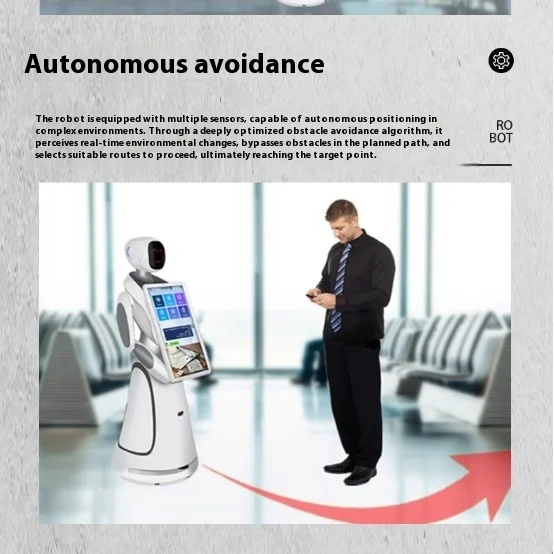
When encountering obstacles in the process of guidance, the robot can easily bypass it, replan the path, avoid obstacles, and work more efficiently and safely. |
|
13 |
Escape stop button |
To ensure safety, the emergency stop button can be pressed to stop the robot in abnormal conditions |
|
14 |
Autonomous charging |
When the robot is low on power, it can autonomously return to the charging pile to charge. |
|
15 |
Self-definition |
You can define the robot name, logo and welcome message by yourself. |
|
16 |
Automatic power on and off |
The machine can be set to start and shut down time, automatically return to the welcome seat after powering on, and automatically return to the charging pile and turn off the machine, without manual assistance |
|
18 |
Scan the picture |
You can scan the image on the mobile phone |
|
Adopt advanced Lidar SLAM technology to autonomously create environmental maps |
Copyright © 2026 China Guangdong Exhibition Hall Intelligent Equipment Co., Ltd. All rights reserved. - Privacy policy