|
Serial number
|
Feature name
|
Function introduction
|
|
1
|
Smart image
|
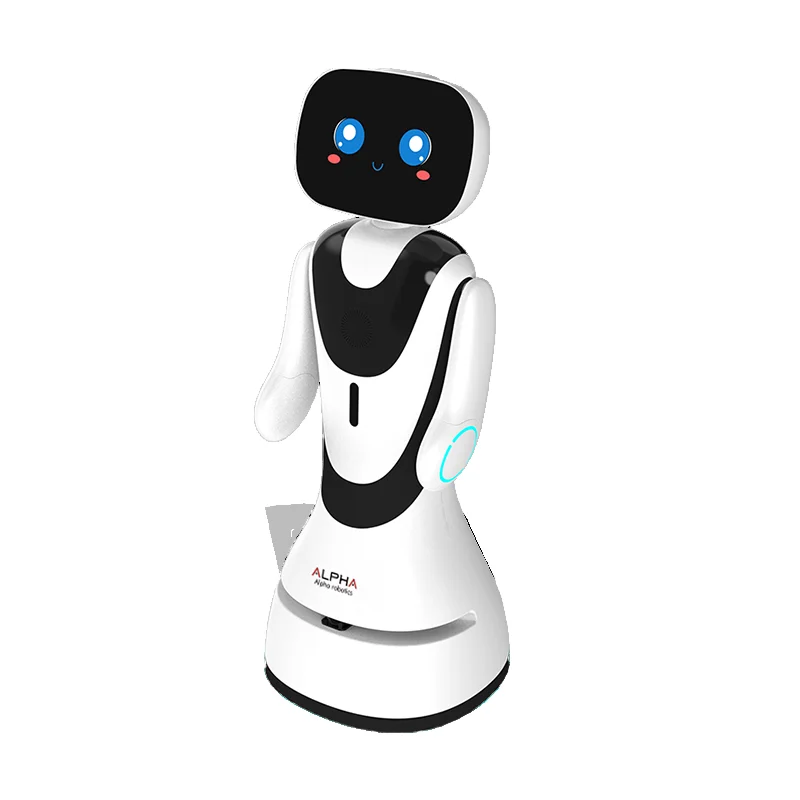
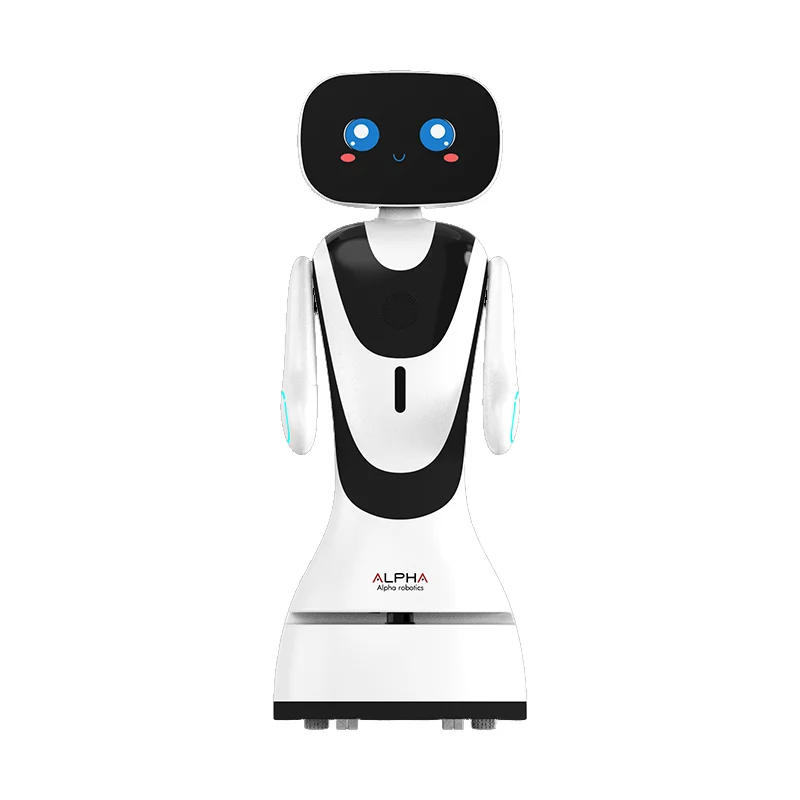
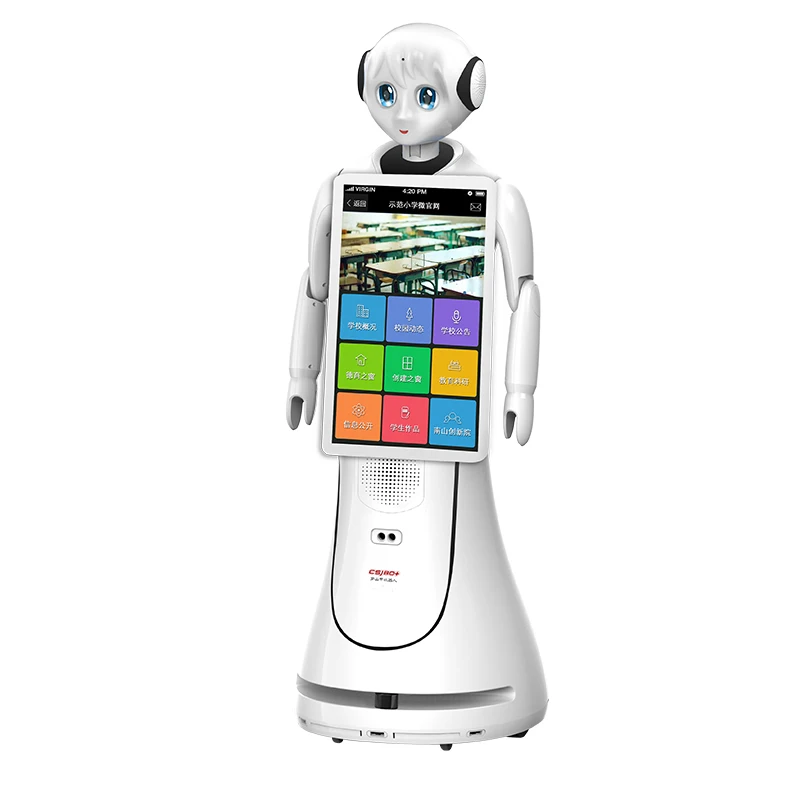
AI service robots have an intelligent welcome image, which can not only assist customers in completing welcome tasks and alleviate human resource pressure, but also enhance corporate image and service quality
|
|
2
|
Interface layout
|
1. Logo display area: Users can configure their own logo in the background, and after the configuration is completed, the robot page will display the configured logo
|
|
2. Prompt speech display area: The middle of the screen is the display area of the prompt speech, which can guide the user to interact with the robot by voice, and prompt the user to say something to the robot
|
|
3. Main function display area: Modularize the main functions to highlight the importance of functions, and display prompts under the main modules to improve the user's sense of experience;
|
|
4. The main function module is added, and the robot wake-up word is displayed to solve the embarrassing situation that the user does not know how to wake up the robot.
|
|
5. The voice interaction box only displays one round of dialogue, the interface will be clearer, and it can protect user privacy to a certain extent; Click the microphone button in the interaction area to mute the sound, and in the muted state, the robot turns off the pickup, avoiding the phenomenon of the robot interjecting when interacting with people
|
|
3
|
Multimodal awakening
|
Face wake-up: No one is there, a face is detected, and a welcome message is broadcast to say hello
|
|
LiDAR, ultrasound, depth camera wake-up, off by default, if you need to use it in the settings - general settings (multimodal recognition on)
|
|
Tap Screen to wake up
|
|
wake up word wake; "Little fish, little fish", "Hello, little fish", "Hello, hello"
|
|
5
|
Intelligent voice interaction
|
Four-microphone array, speech recognition, guests interact with the robot through voice, the robot can recognize the guest voice and answer the guest's questions.
|
|
Rich knowledge of the chat library, guests can simply chat with the robot, say hello on a daily basis, discuss the weather, etc. Experience a new and natural human-computer interaction. It supports multilingual models such as Wenxin Yiyan, iFLYTEK Spark, Doubao, and Deepseek, and supports users to train their own language models.
|
|
6
|
Intelligent professional library Q&A
|
Support customers to add professional libraries in the background, and after adding, when guests ask professional questions, the robot will look for answers in the professional library and give corresponding professional answers
|
|
Background addition of knowledge base form: single item addition, batch import Question type support: text, picture, audio, video, hyperlink support to add multiple similar questions and keywords to the same question
|
|
7
|
Intelligent publicity
|
Users can add relevant promotional content and related introductions in the background content module, and support introducing, displaying, and promoting to guests in various forms such as pictures, audio, video, text, and voice, and support users to choose the content to be presented independently, and support users to customize the content and methods of introduction.
|
|
8
|
Lead the visit
|
Users can add the explanation points that need to be visited in the robot terminal/little bee management background, and the guest will send the visit task by voice, and the robot will lead the guest to the corresponding explanation point and introduce the point back to the waiting point; Trigger keywords: Take me to visit/Take me on a tour/Let me visit/Lead me to visit/Take me to visit (point name)
|
|
Explanation point settings: 1. Users need to set the name, coordinates, and explanation words of the explanation point (required) 2. Multiple aliases can be configured for the same explanation point, and the robot will also perform the visit task if the voice hits the alias. 3. Promotional materials such as audio, video, and pictures can be added to the point settings to meet the needs of users who want to be able to publicize while the robot is walking.
|
|
Explanation route setting: You can set multiple explanation routes, and you can set multiple explanation routes according to your needs
|
|
Single-point visit: 1. The robot can perform the task of a single point visit, and the user voice "Take me to visit (point name)" The robot will perform a single point visit task 2. During the visit, you can voice command "Little Fish Little Fish", "Hello, Little Fish" and "Hello Hello" to pause the task, and after pausing, the task can be canceled and the task can be continued; Note: Resume means to resume a task from a paused node, not to start the task again
|
|
One-click visit (visit according to the route): 1. The robot can lead the user to visit according to the set route, and the user can choose to let the machine lead the visit to a certain route (only one route can be visited at a time) 2. During the visit, you can voice command "Little Fish Little Fish", "Hello, Little Fish" and "Hello Hello" When visiting the route, it can support the operation of skipping points, and the robot will go to the next point 3. At present, the jump point can only be skipped according to the order of the route points, and it is not supported to select points on the route
|
|
Optional visit: 1. Users can freely choose which point or several points to visit according to their own preferences 2. If multiple points are selected, the robot will form a new route according to the selection order and lead the user to visit 3. During the visit, you can voice command "Little Fish Little Fish", "Hello, Little Fish" and "Hello Hello"If you choose to visit multiple points, you can support skipping point operation, and the user voice/click "Next Point", and the robot will go to the next point
|
|
9
|
Security patrols
|
-
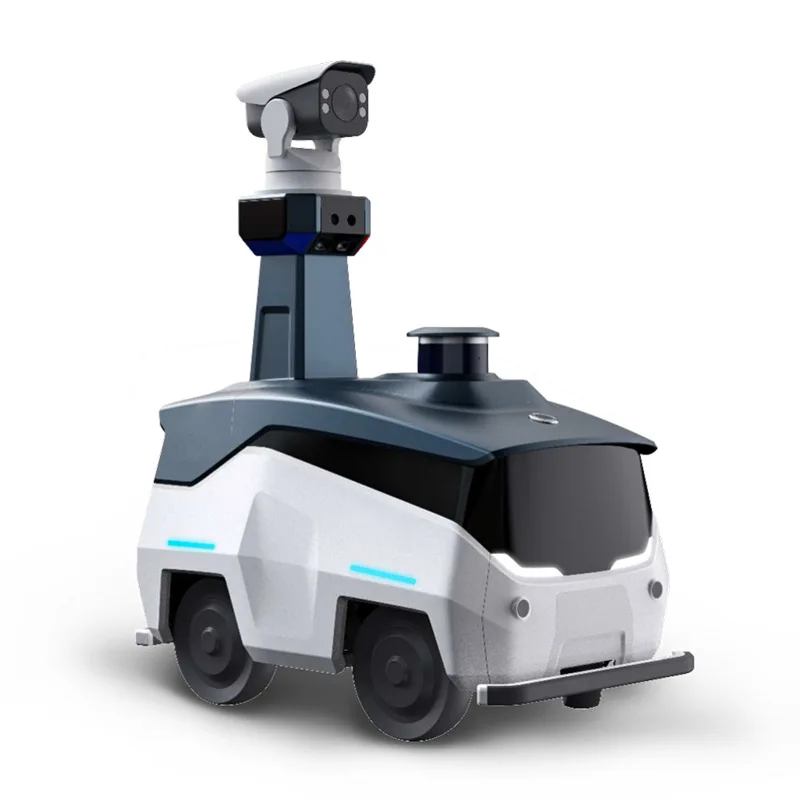
Users can set patrol routes on the robot side, and after arriving at the point, the robot will automatically perform patrol tasks
- After arriving at the patrol point, the robot can take photos at a fixed point (configurable) and upload photos to the local area, where users can view and download the patrol photos
- Note: If the patrol time is reached and the robot is performing other navigation tasks, it needs to wait for the current task to end and start the patrol mission. If the patrol time is exceeded and the robot is still performing other navigation tasks, the patrol mission will be automatically canceled.
- Pause patrol: Click the screen to pause the patrol task and enter the password to enter the patrol route list home page.
|
|
10
|
Entertainment features
|
The robot has the functions of singing, dancing, and telling stories
|
|
11
|
Active obstacle avoidance
|
When encountering obstacles in the process of guidance, the robot can easily bypass it, replan the path, avoid obstacles, and work more efficiently and safely.
|
|
12
|
Escape stop button
|
To ensure safety, the emergency stop button can be pressed to stop the robot in abnormal conditions
|
|
13
|
Autonomous charging
|
When the robot is low on power, it can autonomously return to the charging pile to charge. You can also control the recharge "back to charge" in language
|
|
14
|
Automatic power on and off
|
The machine can be set to start and shut down time, automatically return to the welcome seat after powering on, and automatically return to the charging pile and turn off the machine, without manual assistance
|
|
15
|
Website link
|
The user's website can be displayed as a hyperlink on the bot screen
|
|
16
|
Scan the picture
|
You can scan the image on the mobile phone/machine side
|
|
Adopt advanced Lidar SLAM technology to autonomously create environmental maps
|
|
The bot side only supports displaying one map and the points on the map, and does not support multi-map display
|